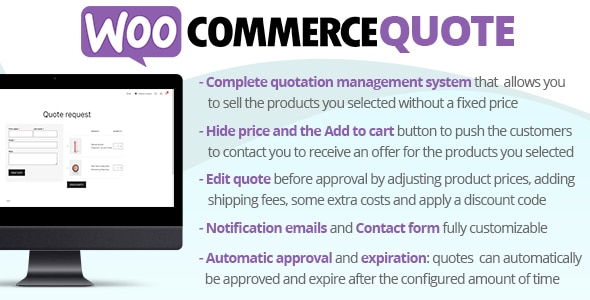
The WooCommerce Quote plugin seamlessly integrates into your WooCommerce system allowing your customers to add products to a quote basket and ask for price estimation.
To receive automatic updates just install and configure the Envato updater plugin: https://goo.gl/pkJS33 . The official guide that explains how to configure it can be found at the following link: https://envato.com/market-plugin .
Once installed and activated, the plugin allows you to select/exclude products for which customers can ask for a quote. For those products, the plugin displays an “Add a quote” button that allows the customer to add them to the quote basket (just like they add products to the cart). Via the quote request page, the quotation can be placed by filling out a simple quote form. You can customize the experience by setting different options like:
Quotes can have the following statuses:
Before sending the quote, you can edit the product prices, add shipping fees, some extra costs and apply a discount code to the quote.
You can customize the contact form the customer has to fill out before placing the quote. You can create different field type like: